Experiment with electronics and robotics in a virtual environment before building the real thing.
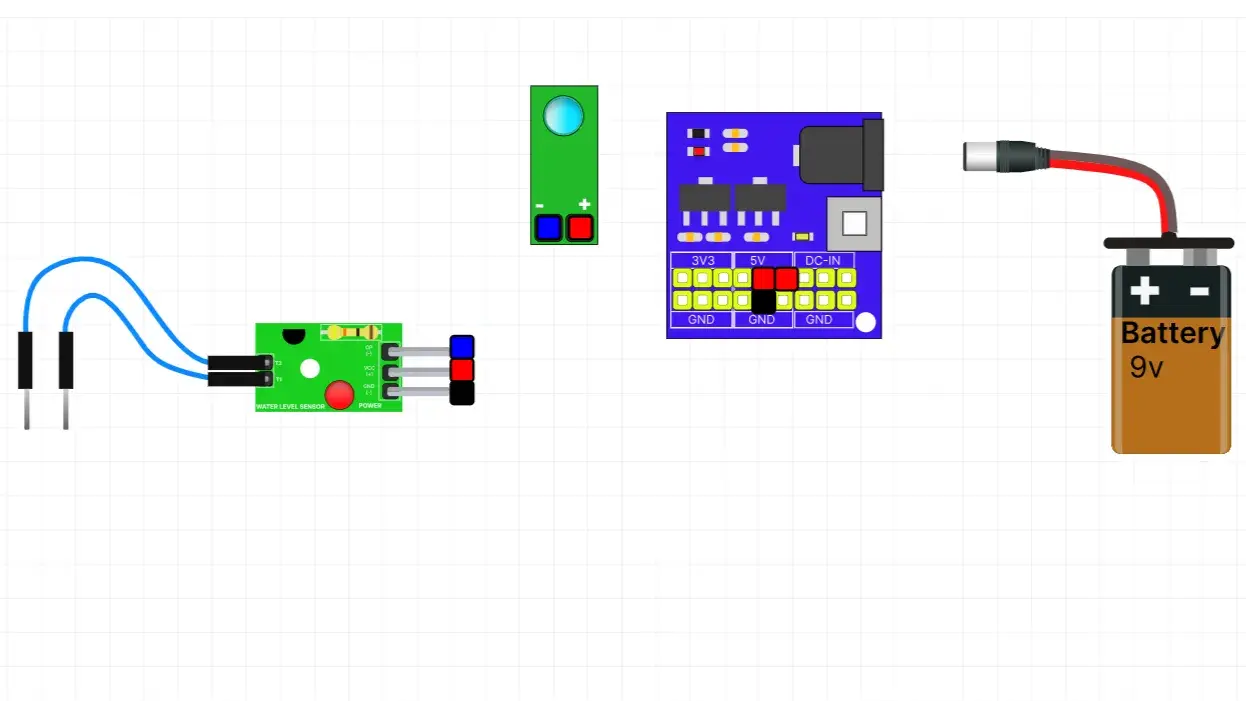
In this simulation, students explore how a Water Level Sensor detects the presence and level of water. They can connect the sensor to a power supply and an LED module, then vary the water level to observe how the LED responds. This activity introduces the basics of water level sensing and demonstrates how these sensors are used in water tanks, flood detection systems, and automatic water management.
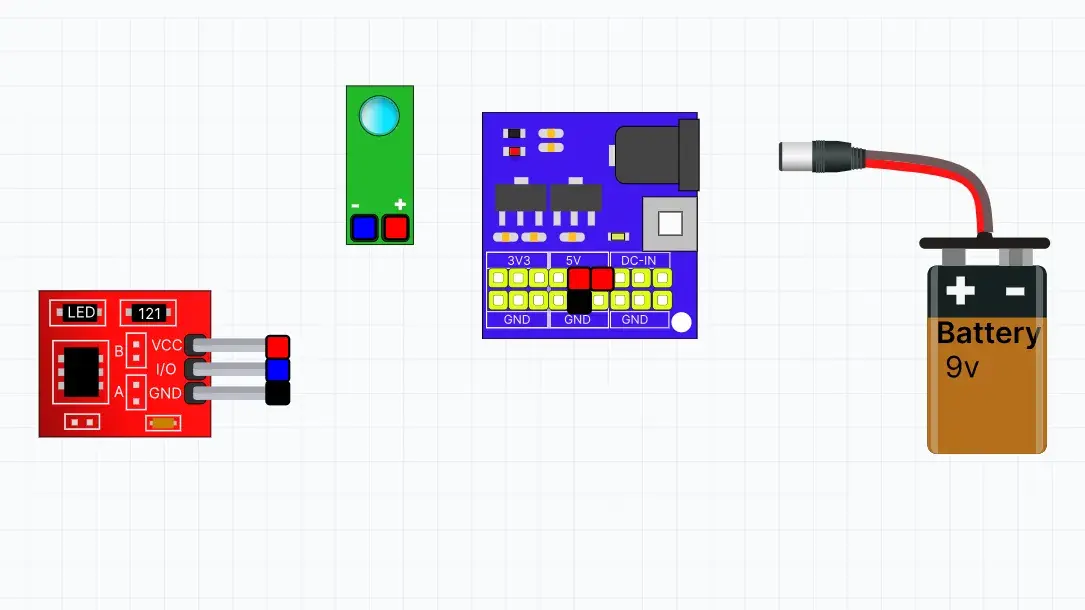
In this simulation, students explore how a Touch Sensor detects human touch. They can connect the sensor to a power supply and an LED module, then touch the sensor pad to observe how the LED responds. This activity introduces the basics of touch sensing and demonstrates how touch sensors are used in smart switches, security systems, and interactive electronic devices.
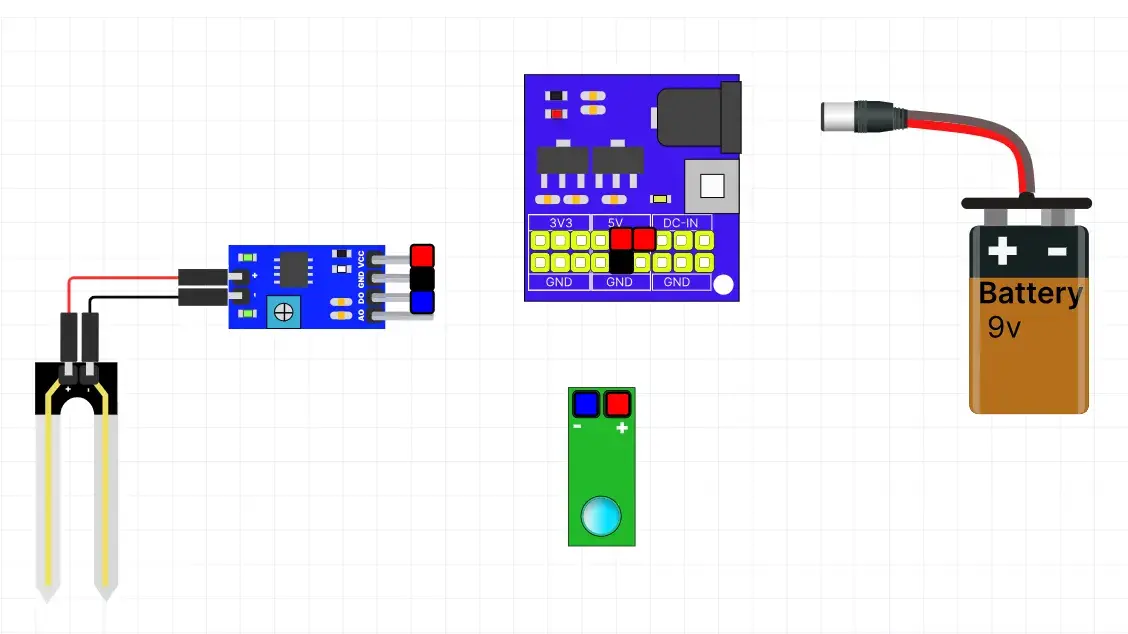
In this simulation, students explore how a Soil Moisture Sensor measures the moisture level in soil. They can connect the sensor to a power supply and an LED module, then insert the probe into dry or wet soil to observe how the LED responds. This activity introduces the basics of soil moisture sensing and demonstrates how these sensors are used in smart irrigation systems and precision agriculture.
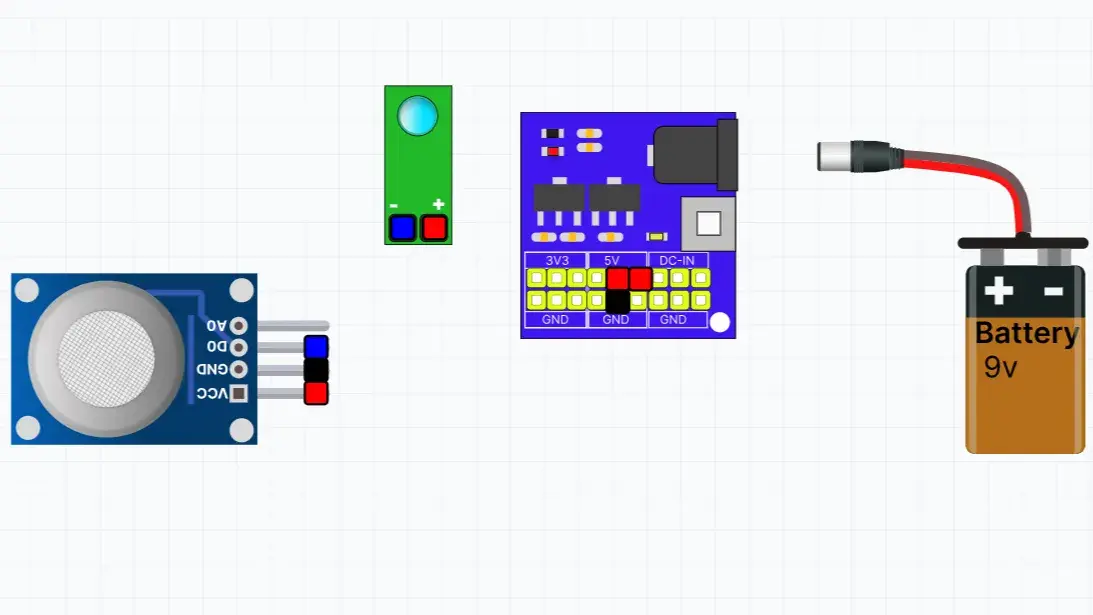
In this simulation, students explore how an MQ2 Gas Sensor detects the presence of combustible gases and smoke. They can connect the sensor to a power supply and an LED module, then observe how the LED responds when gas or smoke is detected. This activity introduces the basics of gas sensing and demonstrates how MQ2 sensors are used in gas leak alarms, fire safety systems, and environmental monitoring.
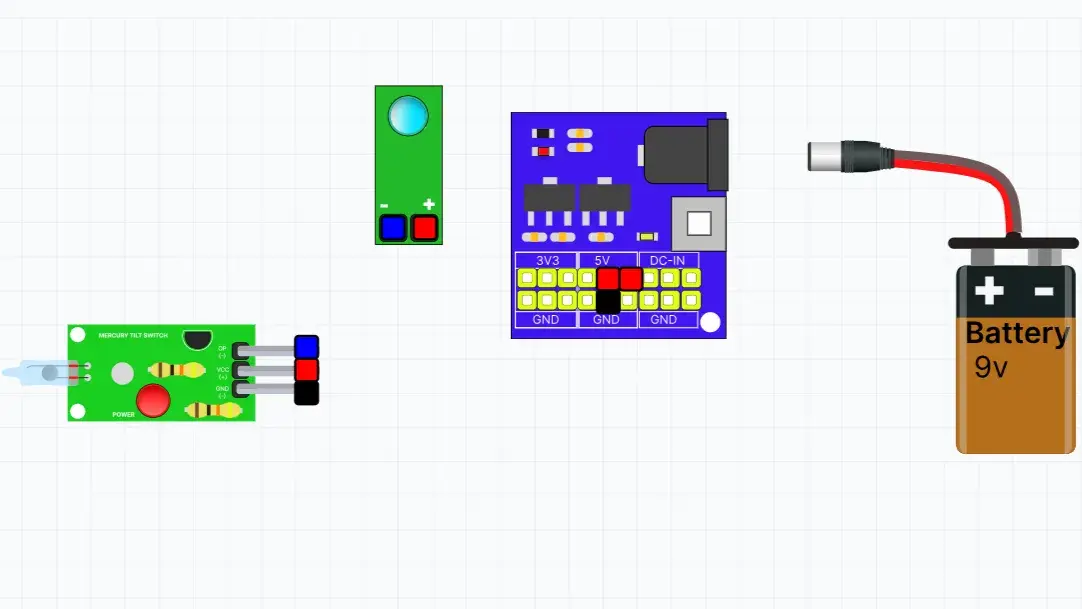
In this simulation, students explore how a Mercury Tilt Switch Sensor detects changes in position or tilt. They can connect the sensor to a power supply and an LED module, then tilt the sensor to observe how the LED turns ON or OFF. This activity introduces the fundamentals of tilt sensing and demonstrates how tilt sensors are used in alarms, safety systems, and electronic devices.
In this simulation, students explore how a Magnetic Reed Switch Sensor detects the presence of a magnet. They can connect the sensor to a power supply and an LED module, then move a magnet close to the sensor to observe how the LED responds. This activity introduces the principles of magnetic field detection and demonstrates how reed switches are used in door alarms, security systems, and automation projects.
In this simulation, students explore how an LDR (Light Dependent Resistor) Sensor detects changes in light intensity. They can connect the sensor to a power supply and an LED module, then observe how the LED responds as the light level changes. This activity introduces the basics of light sensing and demonstrates how LDR sensors are used in automatic lighting and smart electronic systems.
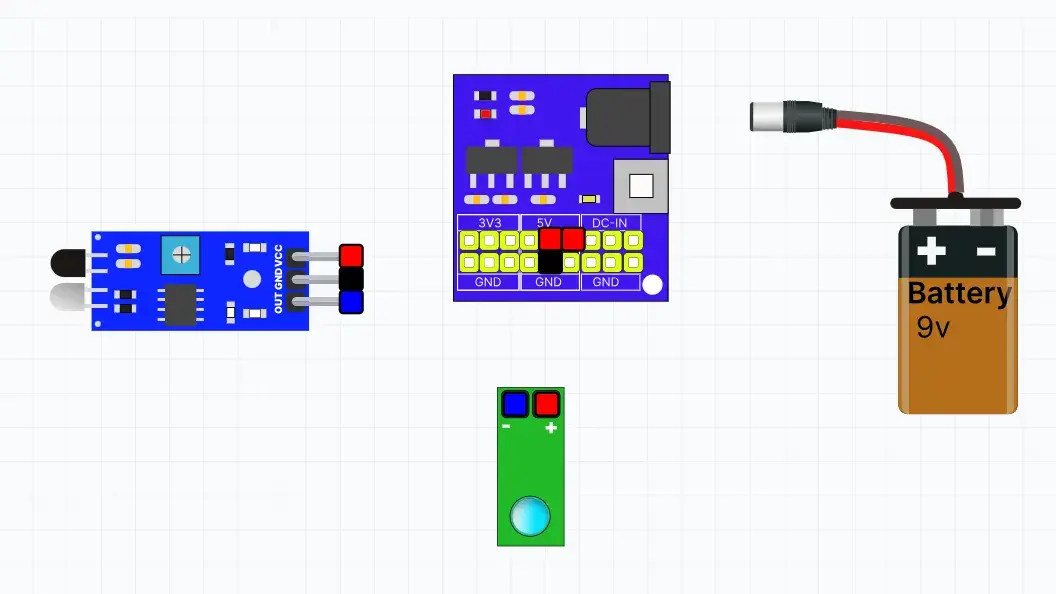
In this simulation, students explore how an IR Sensor detects nearby objects using infrared light. They can connect the sensor to a power supply and an LED module, then observe how the LED responds when an object is placed in front of the sensor. This activity introduces the fundamentals of obstacle detection and demonstrates how IR sensors are used in robotics and automation.
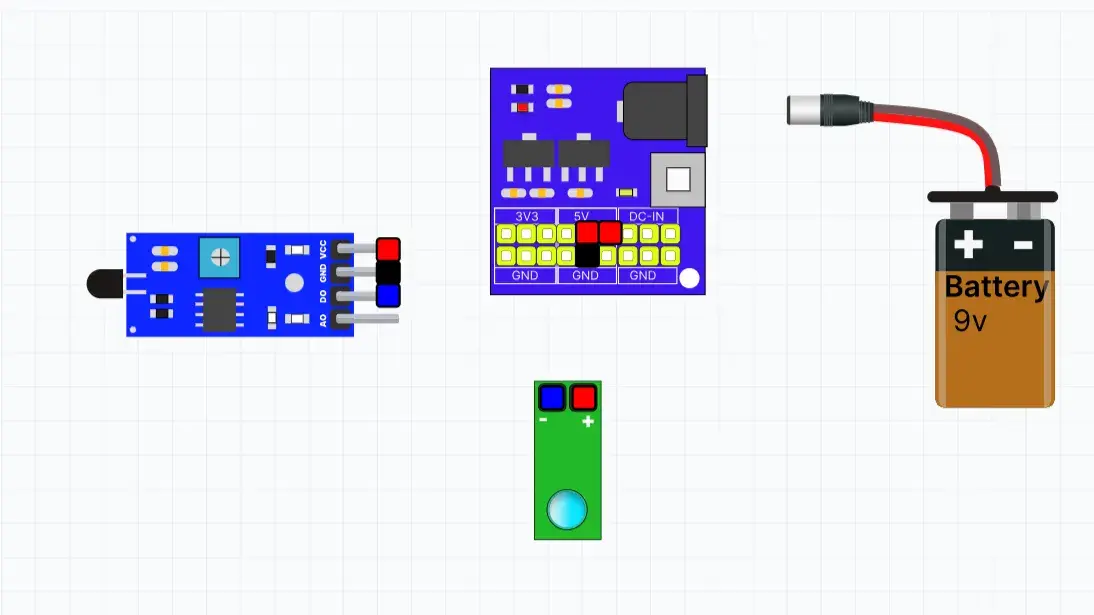
In this simulation, students explore how a Fire Sensor detects the presence of a flame. They can connect the sensor to a power supply and an LED module, then observe how the sensor responds when a flame is detected. This activity introduces the basics of fire detection and demonstrates how sensors are used in safety and automation systems.
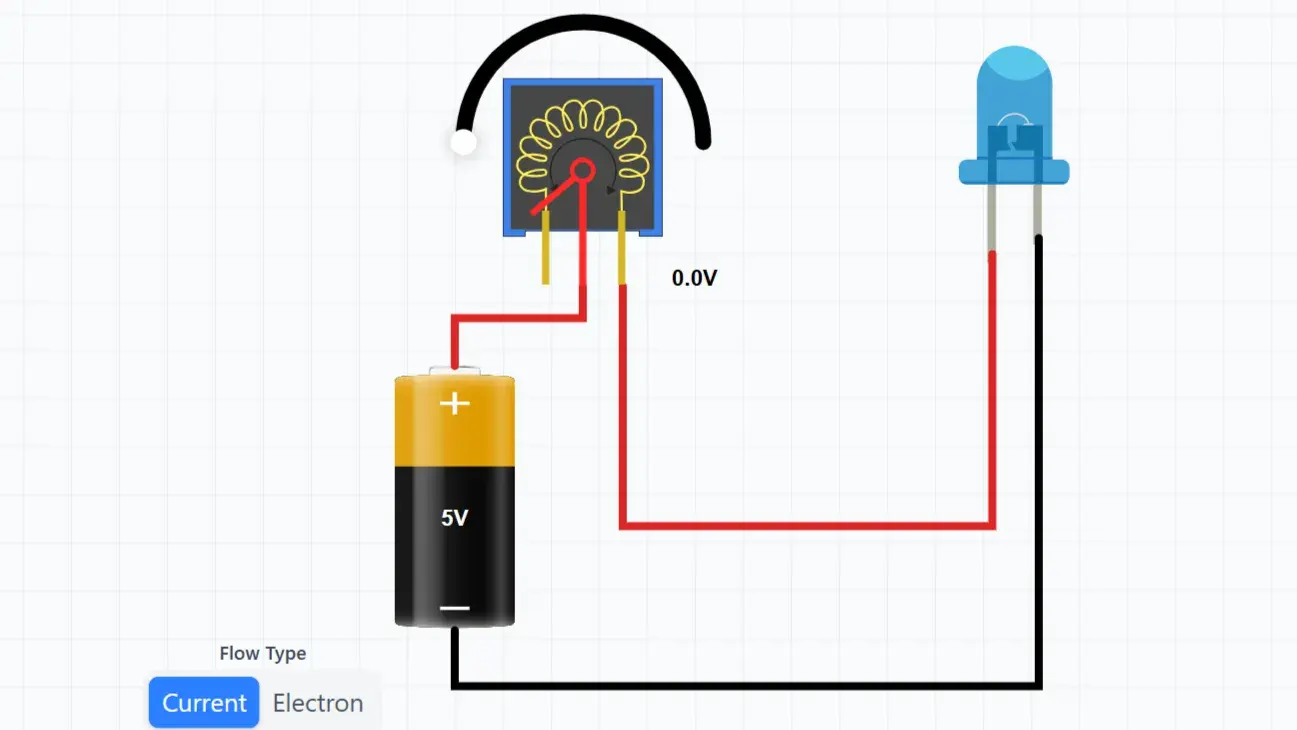
In this simulation, students explore how a Potentiometer controls the flow of electricity in a circuit. By rotating the knob, learners can increase or decrease resistance and observe how the LED brightness changes. This activity introduces variable resistors and their real-world applications in electronic devices.
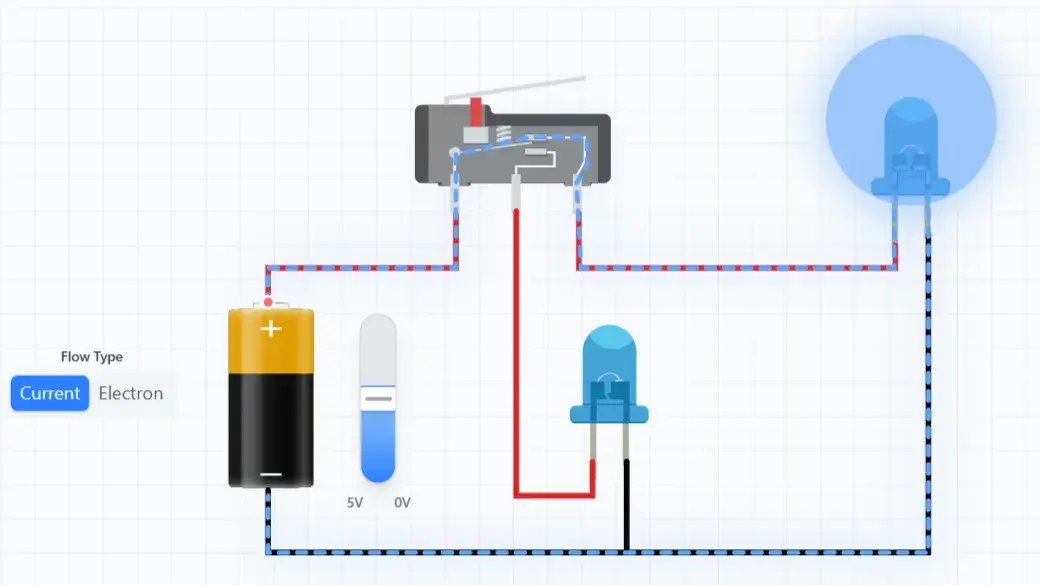
In this simulation, students explore how a Limit Switch works in an electrical circuit. By pressing the switch lever, they can observe how the circuit opens and closes, controlling the flow of current. This activity demonstrates how limit switches are used in robots and automated machines to detect the position or movement of objects.
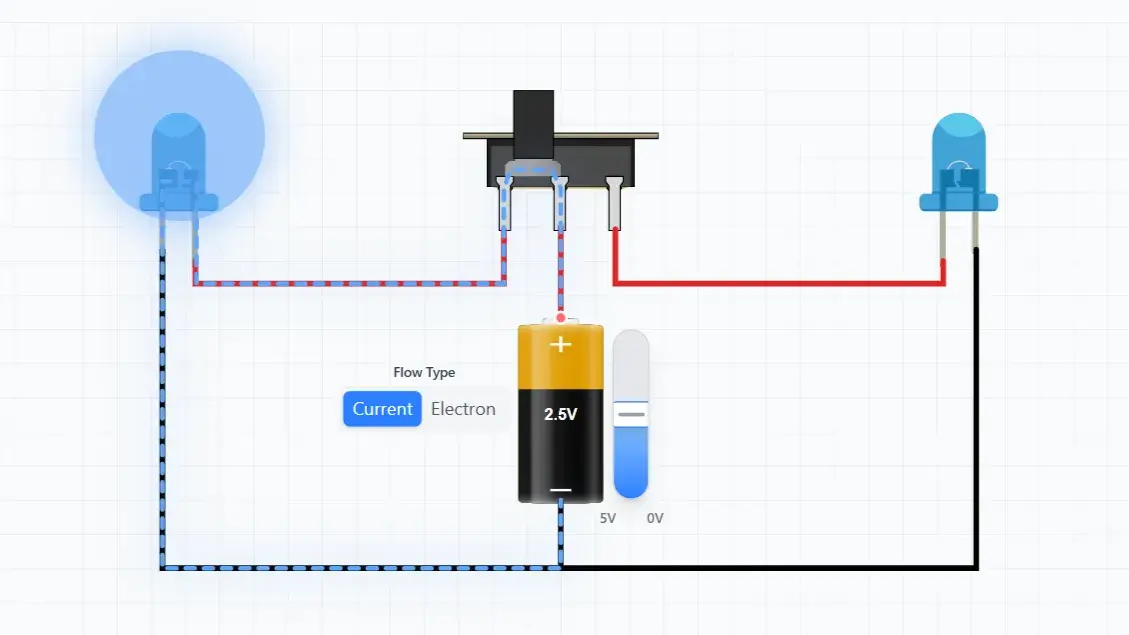
In this simulation, students explore how a Two-Way Switch controls the flow of electricity between different circuit paths. Learners can build a two-way switch circuit, create a staircase wiring system, and visualize both current flow and electron flow. By toggling the switches, students observe how electrical paths change and how LEDs respond in real time.
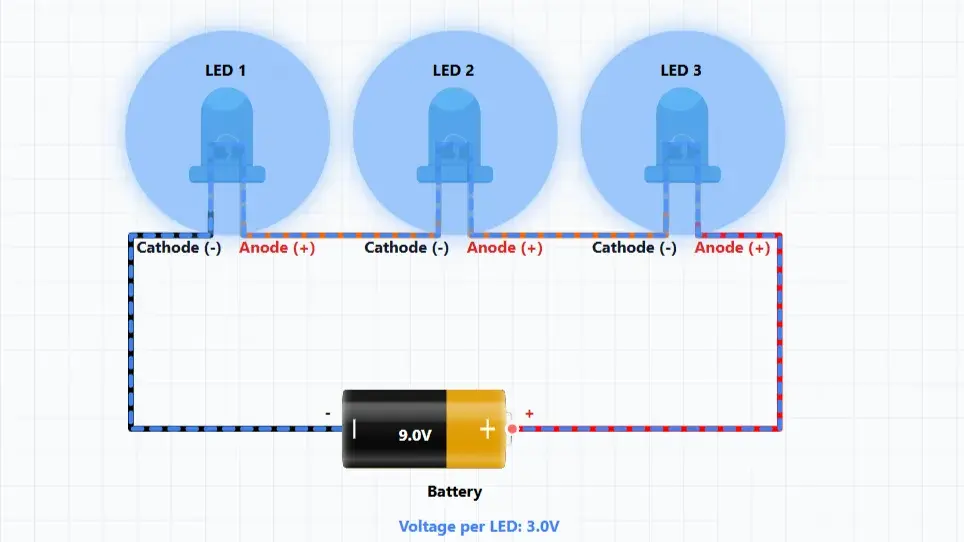
In this simulation, students explore the difference between Series Connections and Parallel Connections by building and testing circuits with LEDs. Students can switch between circuit types and observe how electricity flows through each arrangement. They will discover how brightness, current flow, and circuit behavior change when components are connected in series versus parallel, helping them understand one of the most important concepts in electronics and robotics.
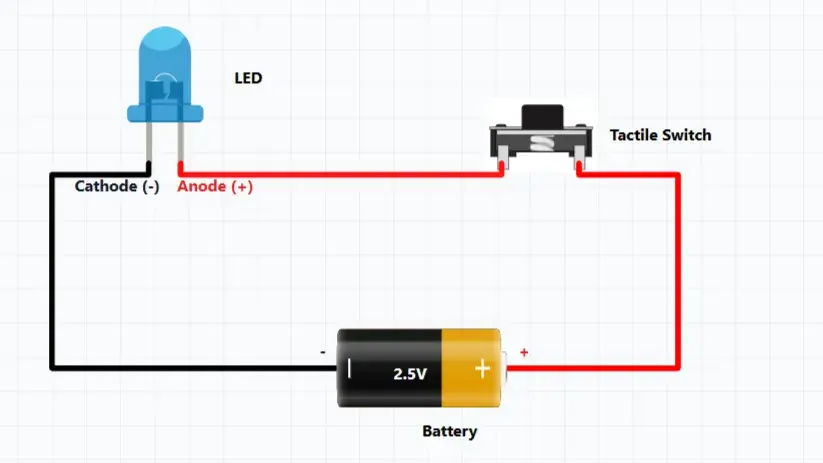
In this simulation, students explore how a Tactile Switch works in an electrical circuit. Unlike a Push ON Push OFF switch, a tactile switch only completes the circuit while it is being pressed. Students can press and release the switch to observe how current flows and how the LED responds, helping them understand momentary switching used in many electronic devices.
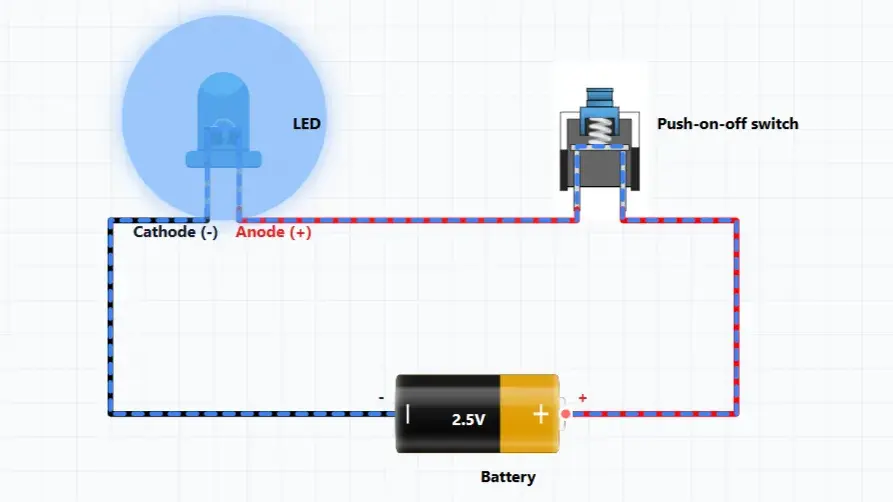
In this simulation, students explore how a Push ON Push OFF switch controls an electrical circuit. By pressing the switch, learners can open and close the circuit, observe current flow, and see how the switch controls an LED. This activity introduces one of the most common components used in electronic devices.
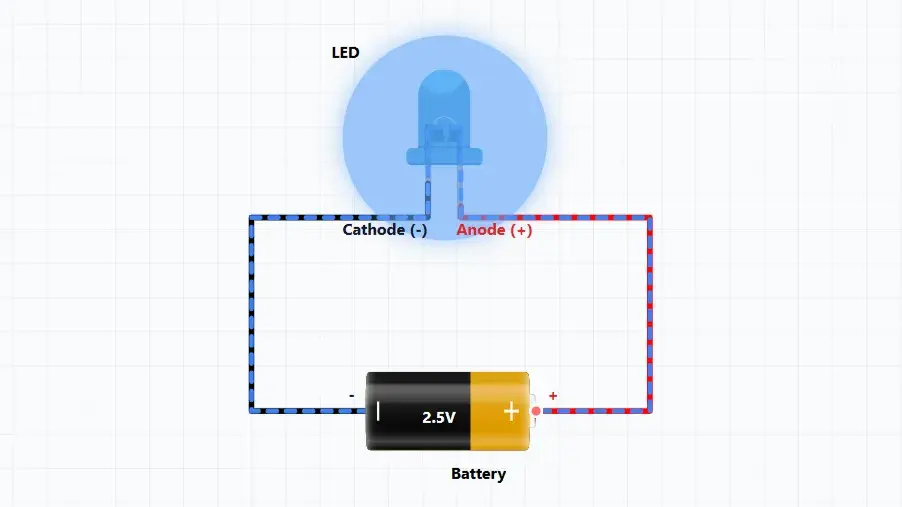
The Lighting an LED simulation helps students learn how an LED works in an electric circuit. Students can connect an LED to a battery, observe the flow of electric current or electrons, identify the anode and cathode terminals, and explore how voltage affects LED brightness. The simulation provides a visual representation of current flow, helping learners understand circuit polarity and basic electronics concepts through interactive experimentation.