
Touch Sensor
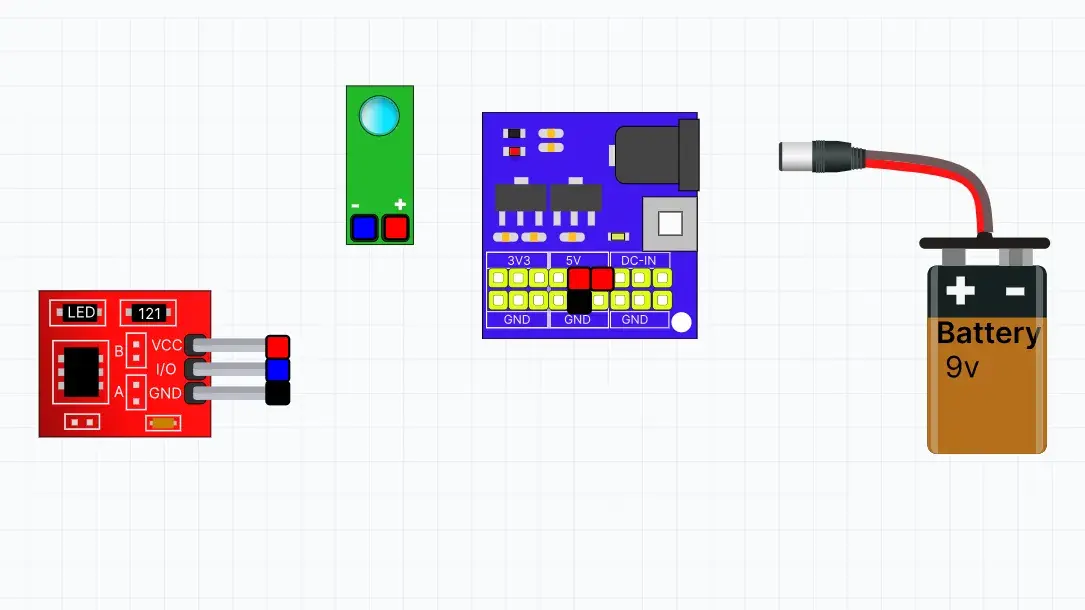
In this simulation, students explore how a Touch Sensor detects human touch. They can connect the sensor to a power supply and an LED module, then touch the sensor pad to observe how the LED responds. This activity introduces the basics of touch sensing and demonstrates how touch sensors are used in smart switches, security systems, and interactive electronic devices.
Screenshots
Topics
- Touch Sensor
- Capacitive Touch Detection
- Human Touch
- Digital Output
- Power Supply
- LED Indicator
Learning Goals
- Understand how a touch sensor detects human touch.
- Learn how touching the sensor changes its output.
- Observe how the sensor controls an LED when touched.
- Explore the function of the Digital Output (DO) pin.
- Build a simple touch-controlled circuit.
Inclusive Features
- Interactive drag-and-connect wiring
- Real-time touch detection simulation
- LED status indication
- Show/Hide labels option
- Beginner-friendly controls