
MQ-2 Gas Sensor with Arduino UNO

Written by
Atribot team
Last updated
June 18, 2026
Introduction
The MQ-2 Gas Sensor is a commonly used sensor for detecting gases such as LPG, propane, methane, hydrogen, and smoke. It is widely used in gas leakage detection systems, fire safety devices, air quality monitoring projects, and industrial safety applications.
In this tutorial, you will learn how to interface the MQ-2 Gas Sensor with an Arduino UNO, upload the code, and monitor gas concentration levels using the Serial Monitor. By the end of this guide, you'll understand how to detect the presence of combustible gases and smoke in your Arduino projects.
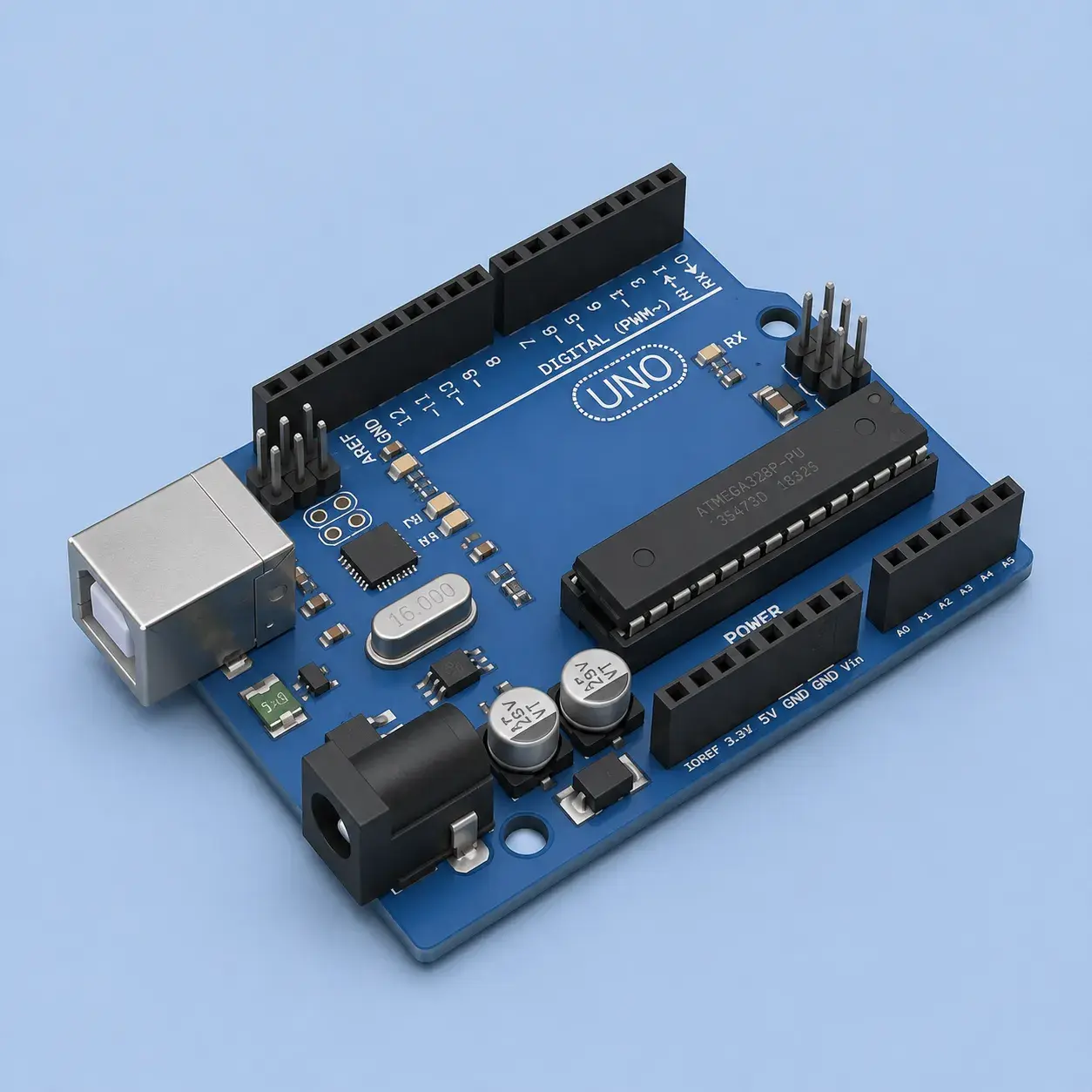
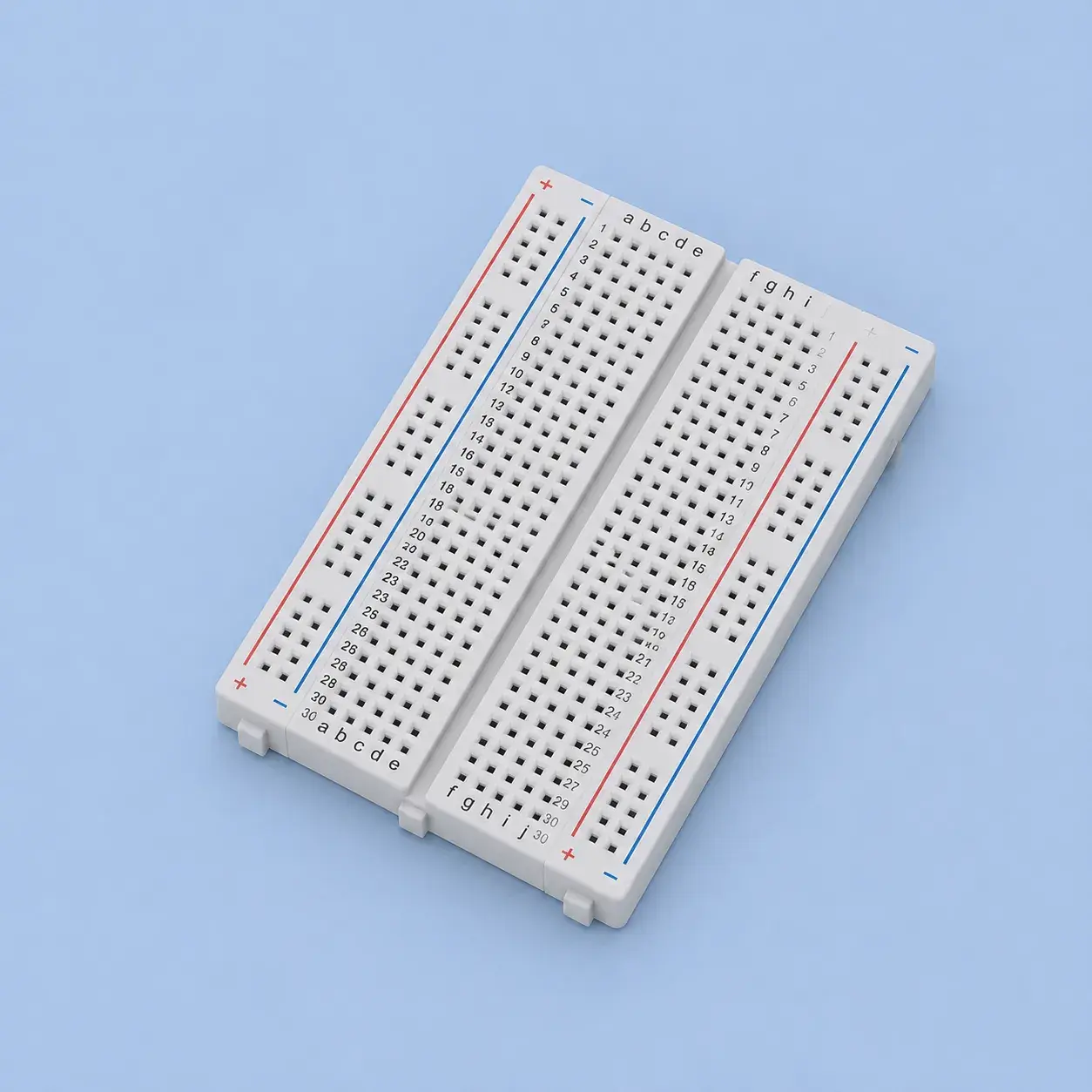
Components Required



Tools Required


Software Required
| Item Name | Action |
|---|---|
Arduio IDE | Download |

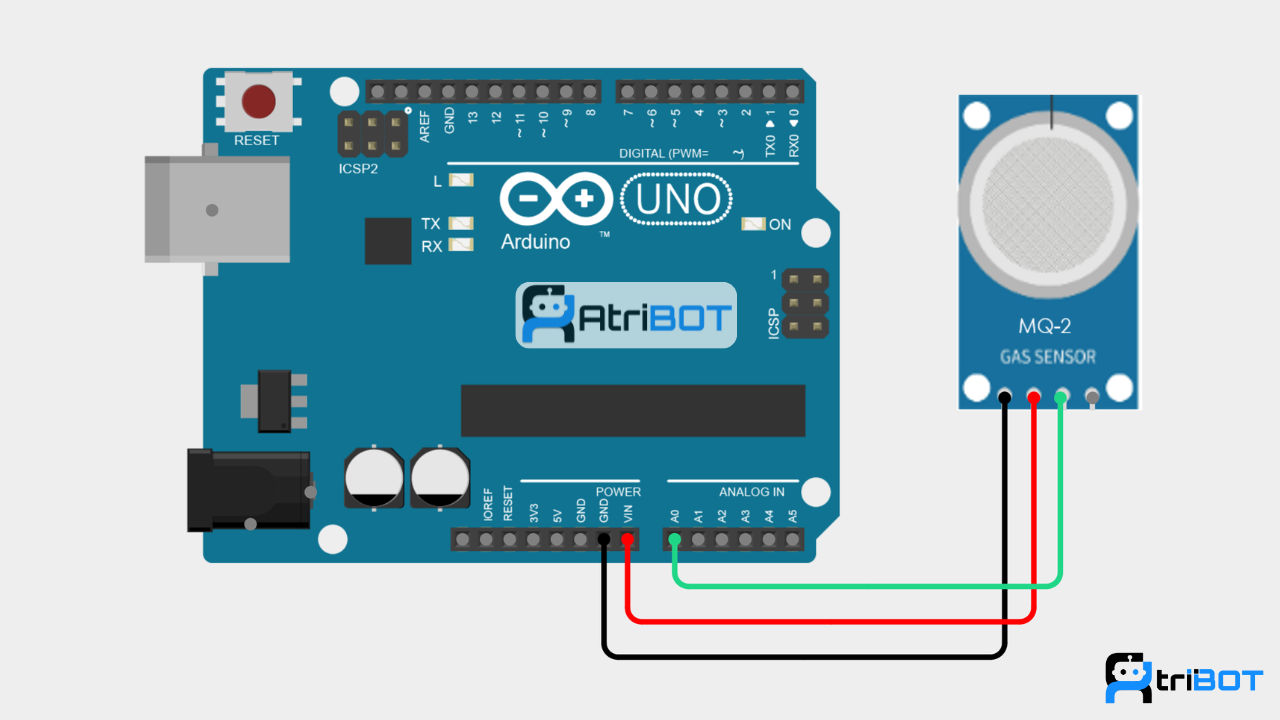
Circuit Diagram
Source Code
const int gasSensorPin = A0;

void setup()
{
  Serial.begin(9600);
}

void loop()
{
  int gasValue = analogRead(gasSensorPin);

  Serial.print("Gas Sensor Value: ");
  Serial.println(gasValue);

  delay(1000);
}Step by Step Instructions
Step 1: Connect the MQ-2 Sensor
Make the following connections:
MQ-2 Gas Sensor | Arduino UNO |
|---|---|
VCC | 5V |
GND | GND |
AOUT | A0 |
Step 2: Open Arduino IDE
Launch Arduino IDE.
Connect Arduino UNO using USB.
Select:
Board → Arduino UNO
Port → Correct COM Port
Step 3: Create a New Sketch
Create a new Arduino sketch and paste the provided code.
Step 4: Verify the Code
Click the Verify button to check for syntax errors.
Step 5: Upload the Code
Click Upload and wait until the upload process completes successfully.
Step 6: Open Serial Monitor
Open Serial Monitor.
Set the baud rate to 9600.
Allow the MQ-2 sensor to warm up for about 20–30 seconds.
Bring a gas source or smoke near the sensor (carefully and safely).
The Serial Monitor will display changing sensor values based on the detected gas concentration.
Expected Output
Gas Sensor Value: 120
Gas Sensor Value: 135
Gas Sensor Value: 128
When gas or smoke is detected:
Gas Sensor Value: 450
Gas Sensor Value: 620
Gas Sensor Value: 780
Conclusion
In this tutorial, you learned how to interface the MQ-2 Gas Sensor with Arduino UNO and monitor gas concentration levels using analog readings. This setup can be used in gas leakage detection systems, smoke detectors, safety monitoring devices, and various environmental monitoring applications.